A mix a day for each artist you play
Built from who appears alongside them on your own tracks. Same set all day, a new one tomorrow.
Self-hosted · Plays offline · Nobody watching
A music player for the library on your own server. Save a song to your phone and it plays at thirty thousand feet — with the words lit as they're sung.
iPhone app in App Review · the web app installs to any home screen today
0:001:34
Offline
Save a song and it is a real file on the phone, not a cache that might have been cleared. No signal, no problem — seek to the middle and it plays from there.
Library
One tap and the whole file comes down — not a stream, not a guess about what you'll want later. Saving a playlist walks it a song at a time, so a phone never stalls.
The library opens on what's on the phone, and the songs that aren't simply can't be pressed. Nothing spins, nothing waits for a network that isn't coming.
Drag to the last chorus over the Atlantic. Cassette serves the byte ranges itself, which is exactly what a phone's player asks for and what most offline modes get wrong.
Lyrics
Where the server finds timed lyrics, the line you hear is the line that's lit — and the type breathes with the measured loudness of the track. Keep scrolling: you're the playhead.
The scrubber
The track is drawn as the shape of the music, so the quiet intro and the last chorus are visible before you drag. Go on — click the loud bit.
0:001:34
Home
Every shelf is a fact about your listening, kept on your server: what to put back on, favourites gone quiet, a mix a day for every artist you actually play.
Built from who appears alongside them on your own tracks. Same set all day, a new one tomorrow.
A recap of each month and year, on your clock, as a story you can share.
Facts about the row, never guesses about taste.
Search looks through the lyrics of your library, not just the titles.
Begin a song on the laptop, pick it up on the phone at the same second.
Or waits for the end of the song. Never cut off mid-word.
From your own library: the same artist, then who they've played with, then the rest.
The DJ
“Rainy Sunday, slow and warm.” The DJ turns a sentence into a set from your library, then follows what you skip and what you thumb up. It names criteria, never tracks — so every song it plays is one you own.
Reading your library…
The tour
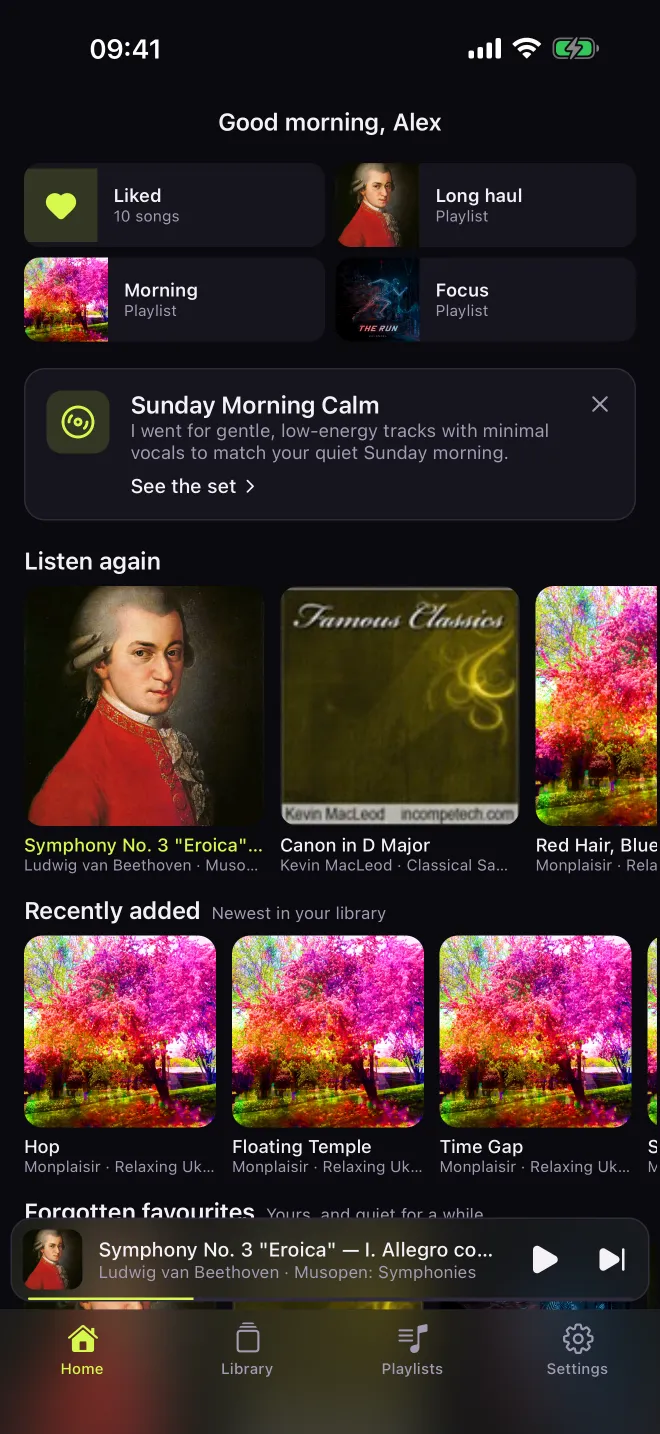
HomeShelves that know what you play.
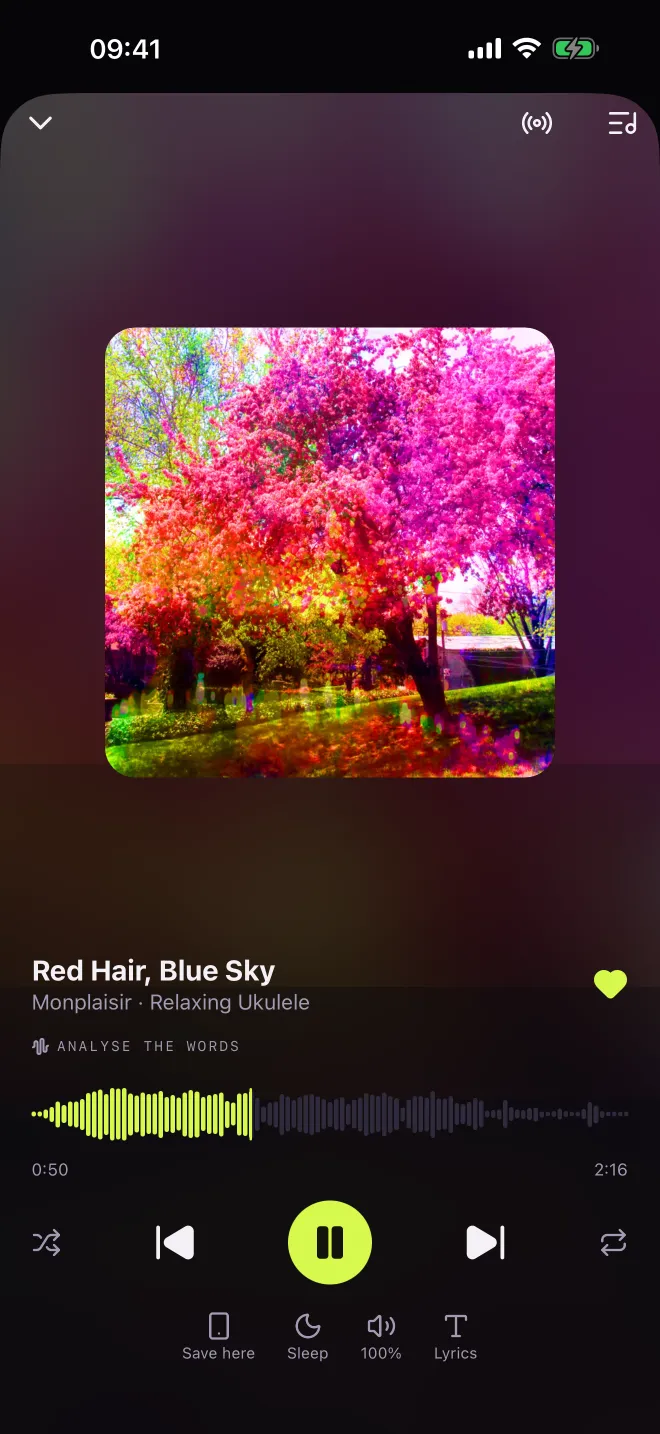
Now PlayingThe waveform is the scrubber.
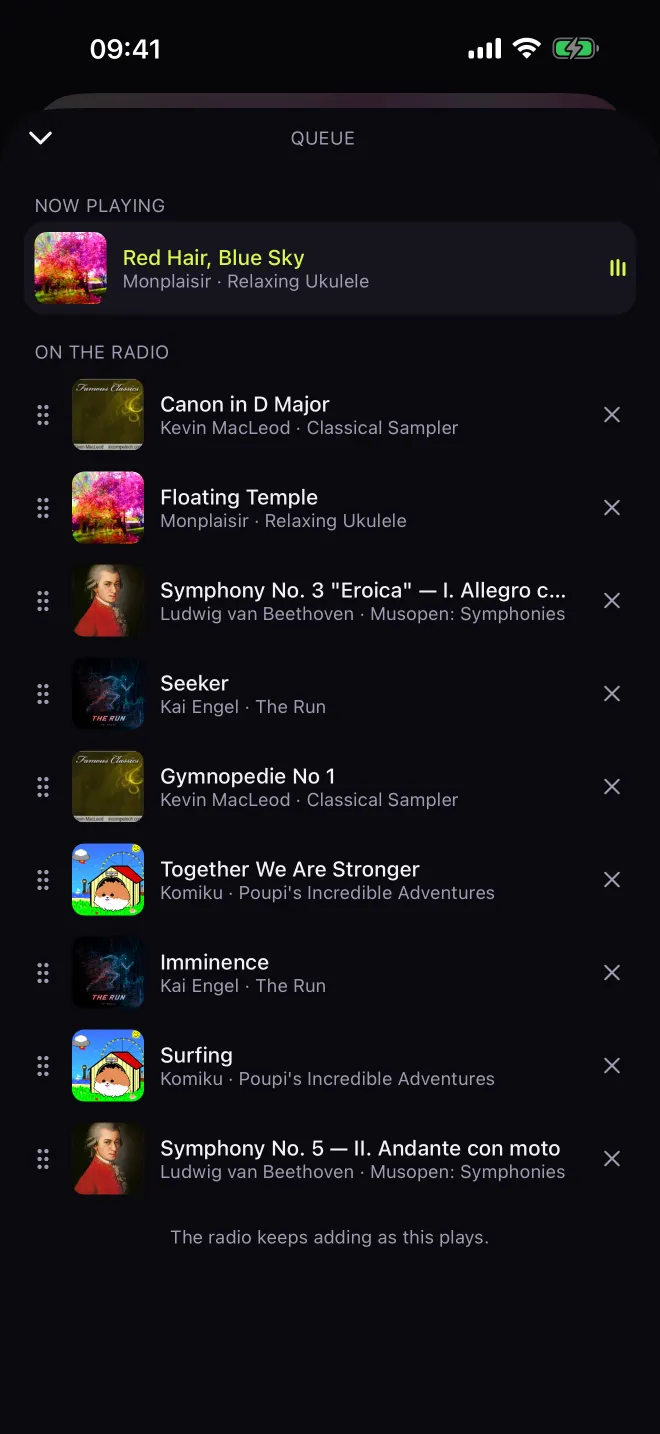
RadioEndless, from your own shelves.
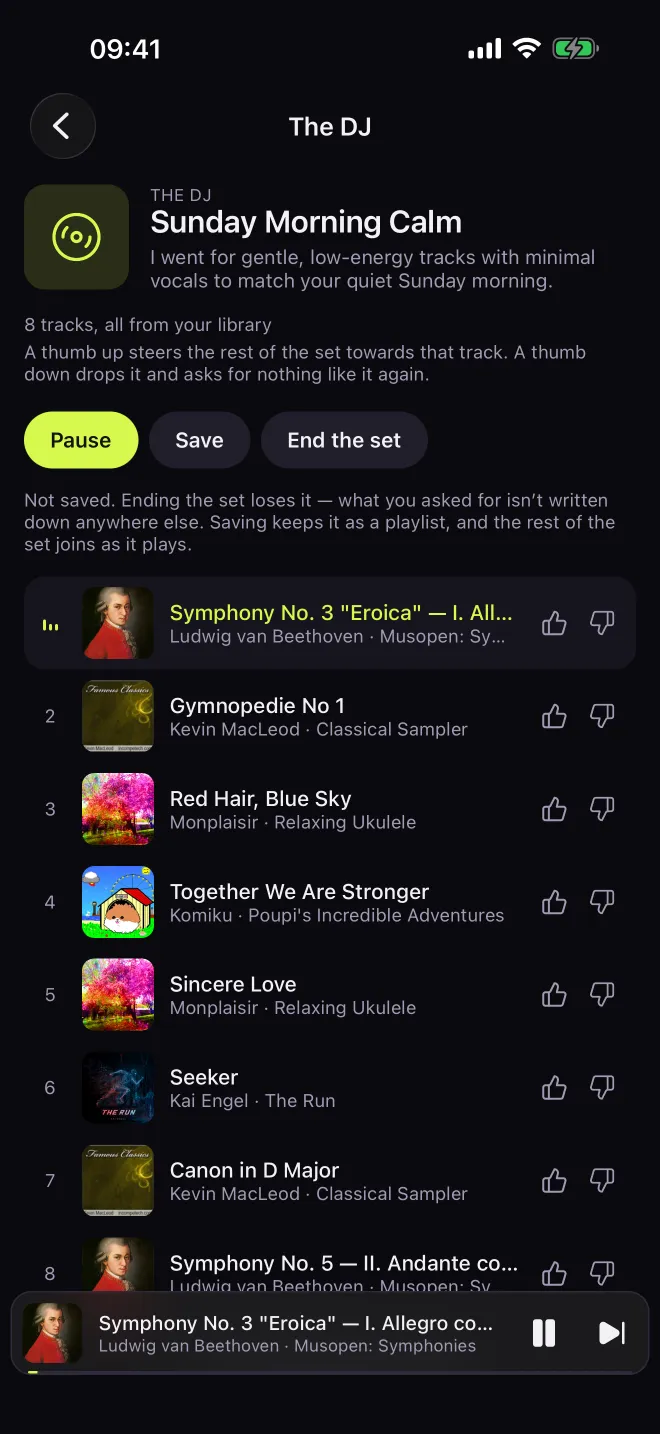
The DJA mood in, a set out.
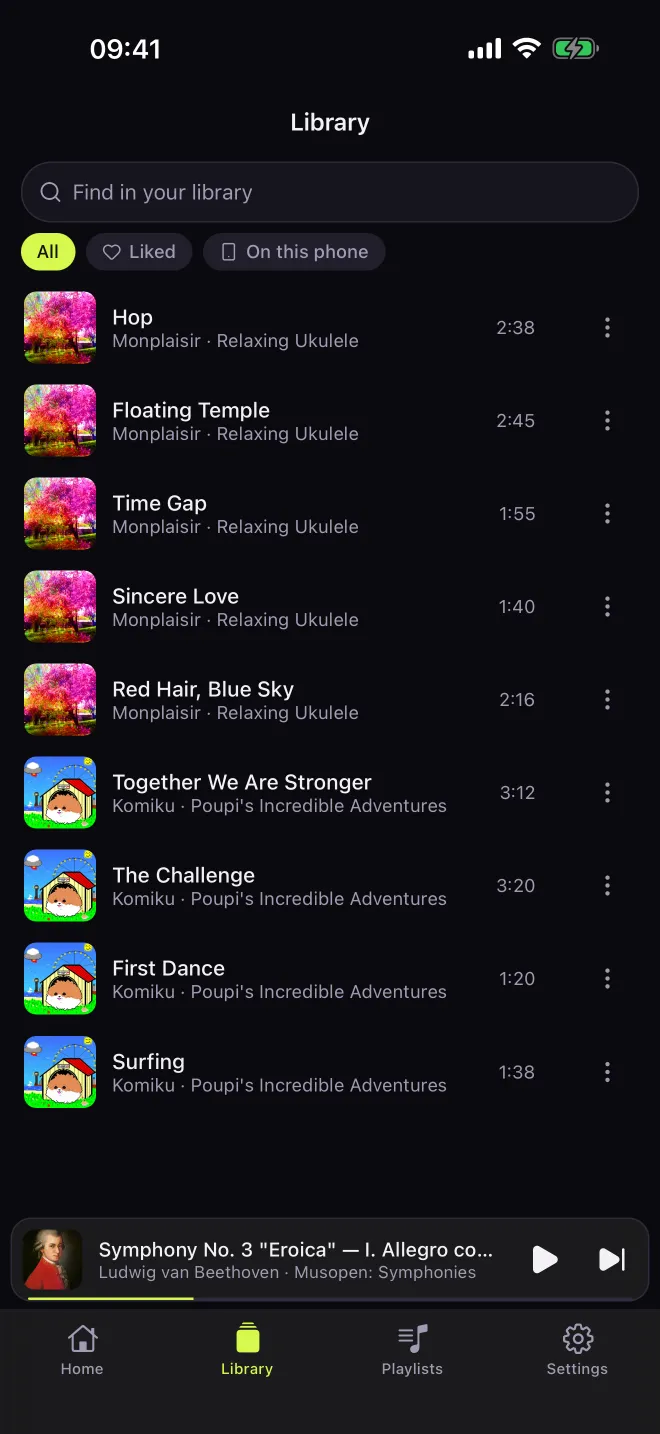
LibrarySearch titles and lyrics.
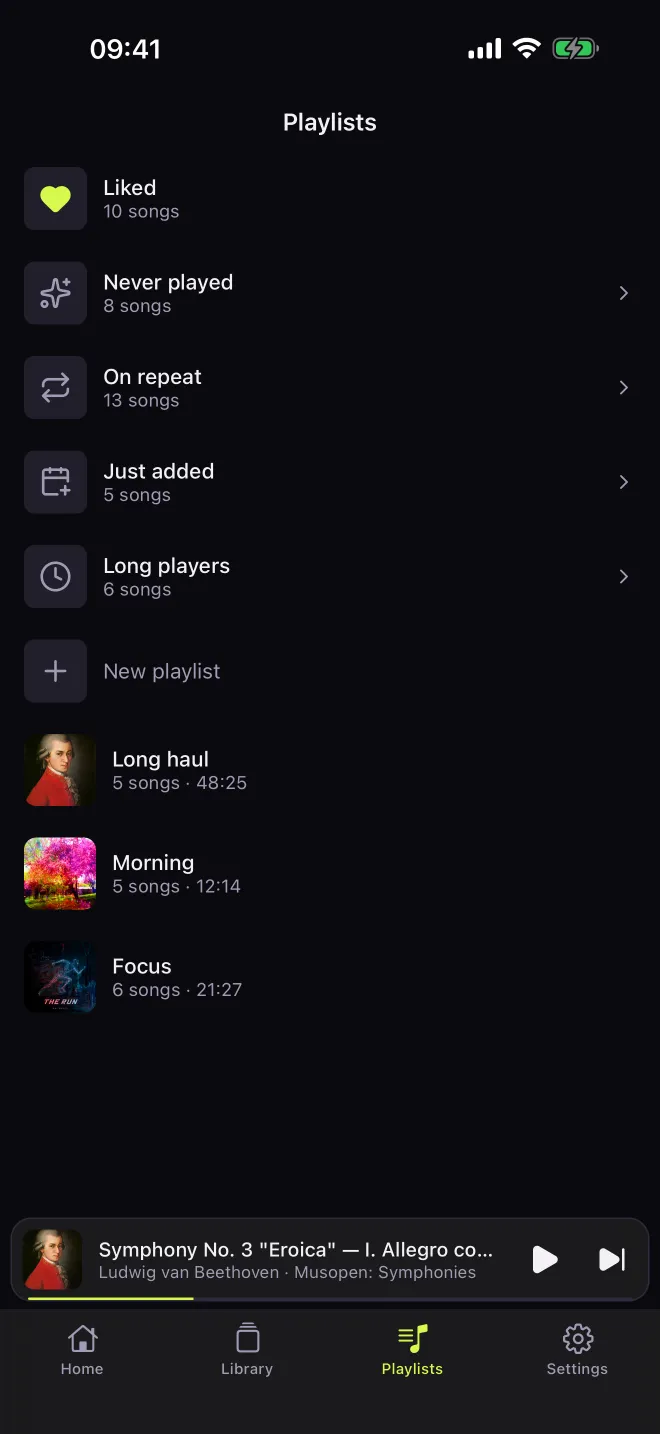
PlaylistsLiked, collections, yours.
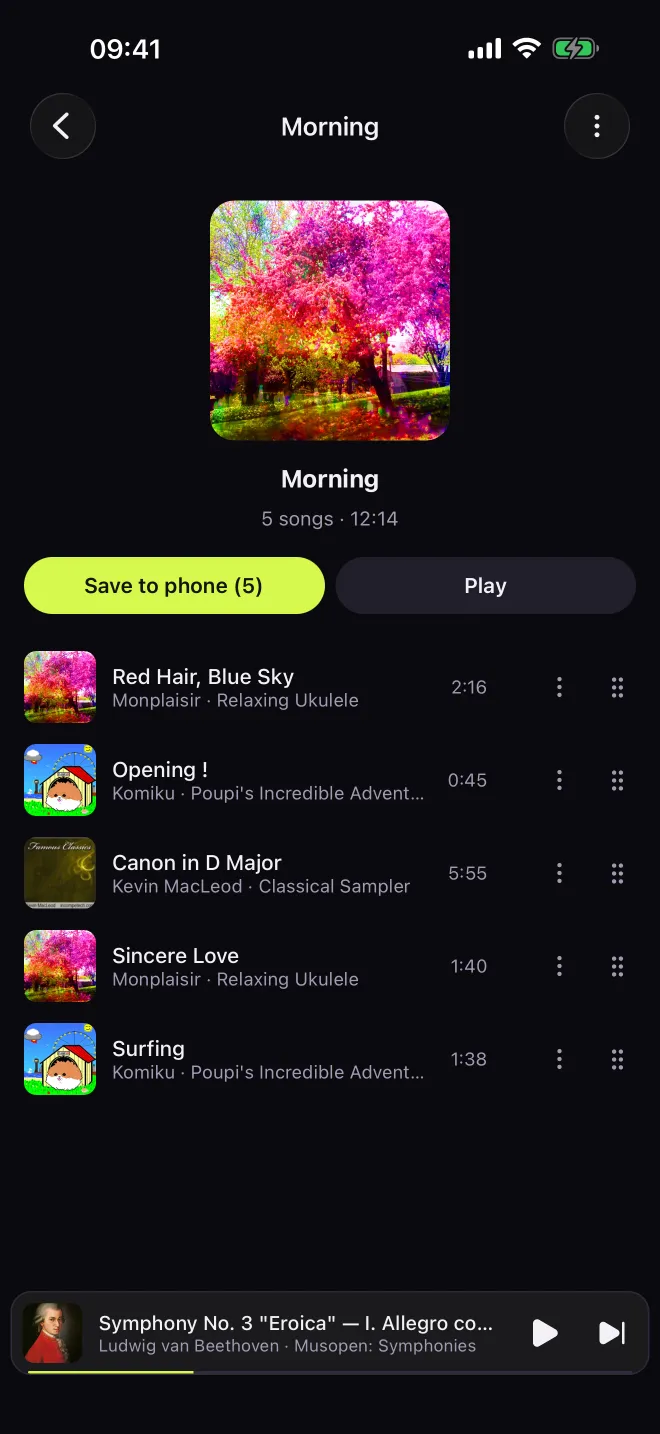
A playlistDrag to reorder. Save it all.
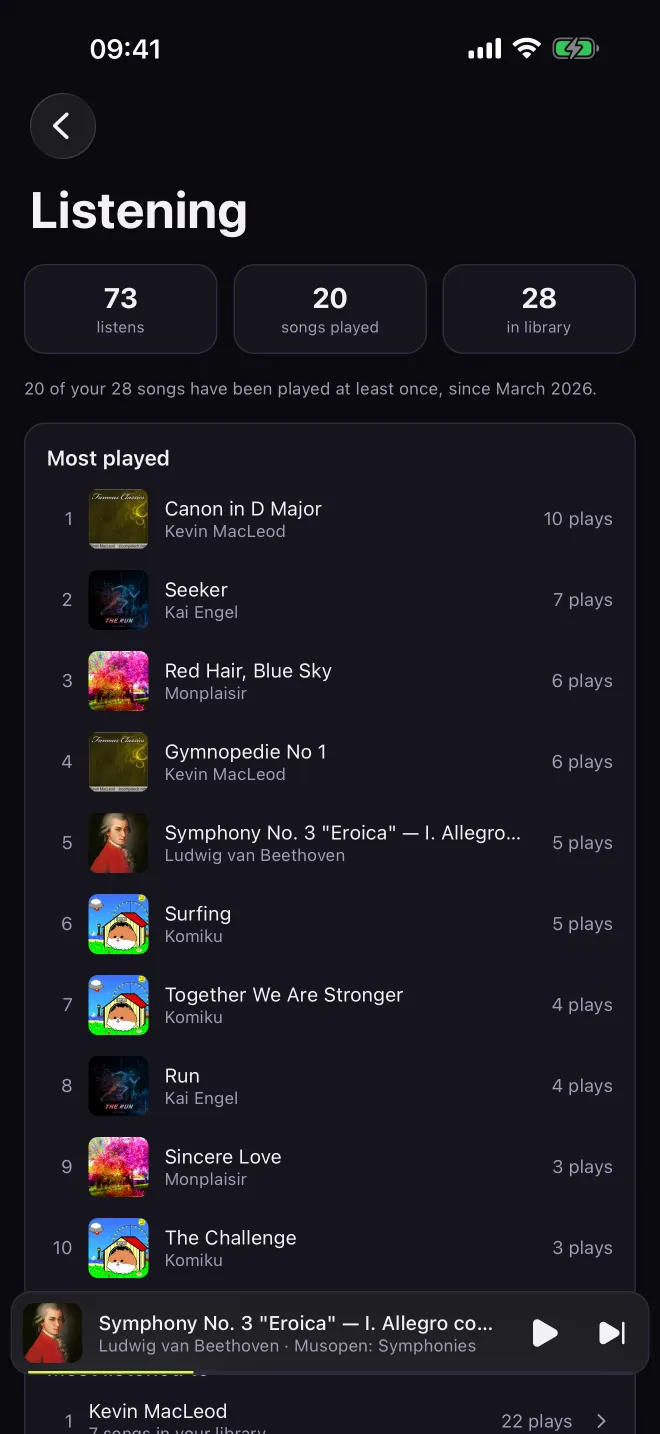
StatsWhat you keep coming back to.
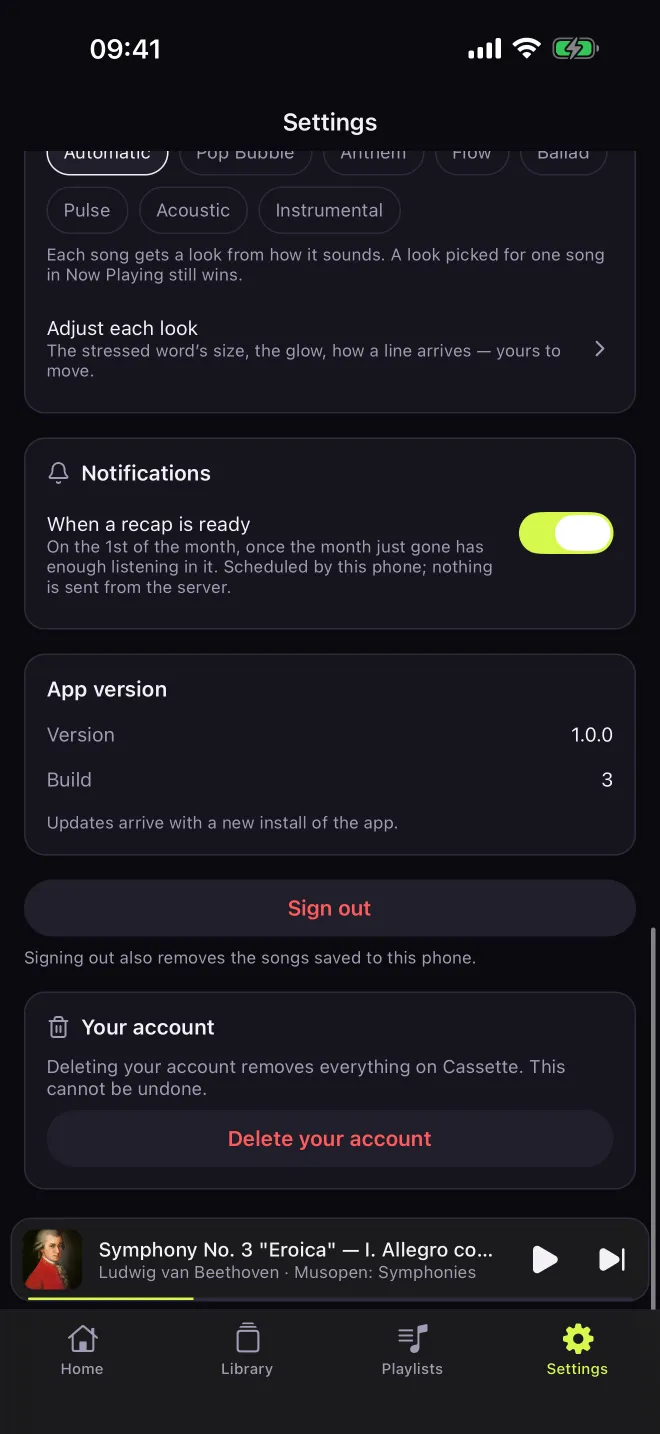
SettingsEvery gain, per device.
Privacy
A player for the music library on your own server. The server holds the files; the iPhone app and the browser app play them, and keep copies of what you choose so they work offline.
Yes — that's the point. Cassette is a client, not a store: nothing is sold and nothing streams from anybody's catalogue. Point the app at your server's address, sign in, and your library is there.
A saved song is a whole file on the device. It plays and seeks in airplane mode, and the library opens on what's saved when there's no connection.
What you type and a digest of artist names with play counts go from your server to the AI service behind the DJ — and only after you've agreed to it. It answers with criteria; your server picks the songs.
Yes, a player for your server's library, now in App Review. Until then the browser app plays the same library on any phone and installs to the home screen.
No analytics, no advertising, no tracking of any kind. Not in the apps, and not on this page either.